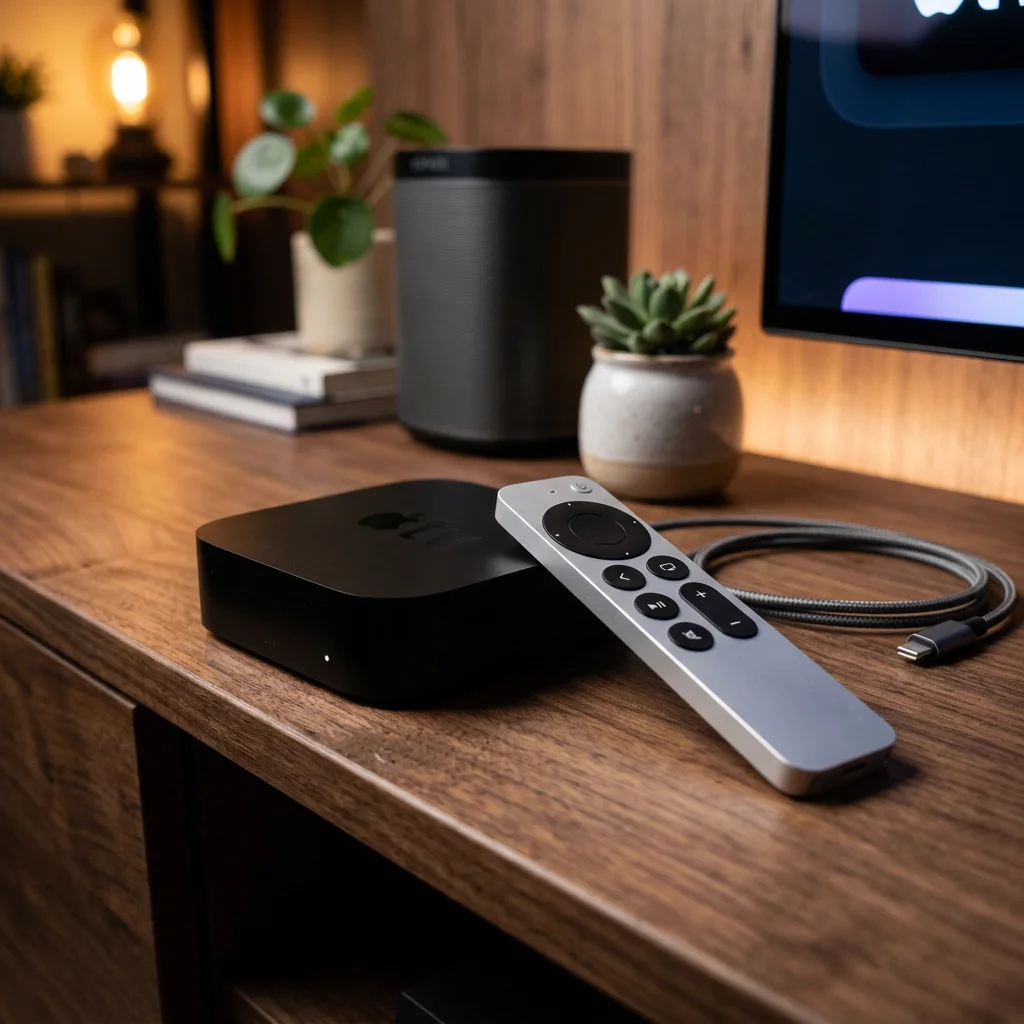
Best Streaming Setup for Apple TV in 2026: Complete tvOS Guide
Published: June 1, 2026 · 10 min read
Unlock the Power of tvOS
Apple TV (specifically the 4K models) features some of the most powerful hardware and video processing engines of any consumer streaming device. With a blazing-fast A-series bionic processor, tvOS delivers incredibly smooth navigation, polished animations, and highly efficient hardware-based video decoding. To build the ultimate home streaming hub, pairing your Apple TV with premium player applications and a reliable digital aggregator is highly recommended.
IPTV Ultra is fully optimized for the tvOS ecosystem, enabling you to synchronize and stream your digital M3U playlists and portal channels with perfect fluidities and zero setup complications.
Top tvOS Media Players Reviewed
- iPlayTV: Arguably the most beautiful, visual playlist manager on tvOS. It offers a gorgeous grid visual design with custom poster synchronization and a premium EPG interface.
- GSE Smart IPTV: A highly versatile, robust application that supports a massive variety of video formats and custom subtitles.
- IPTV Smarters: A polished, reliable player that segments VOD movies, television series, and live feeds into distinct visual tabs.
Frequently Asked Questions (FAQ)
Q: How do I configure my IPTV Ultra subscription on Apple TV?
A: Simply install a player like iPlayTV or Smarters on your Apple TV, and input the secure M3U URL or Xtream API credentials provided by IPTV Ultra during setup.
Q: Does Apple TV support Dolby Vision inside these streaming apps?
A: Yes! Apple TV 4K natively outputs Dolby Vision and HDR10+ when playing compatible legal video streams from your uncompressed VOD library.
Supercharge Your Apple TV 4K
Don't settle for slow streaming interfaces. Connect your Apple TV to IPTV Ultra today and experience the fastest zapping and gorgeous cinematic visual quality.
Get Your Apple TV Setup Now