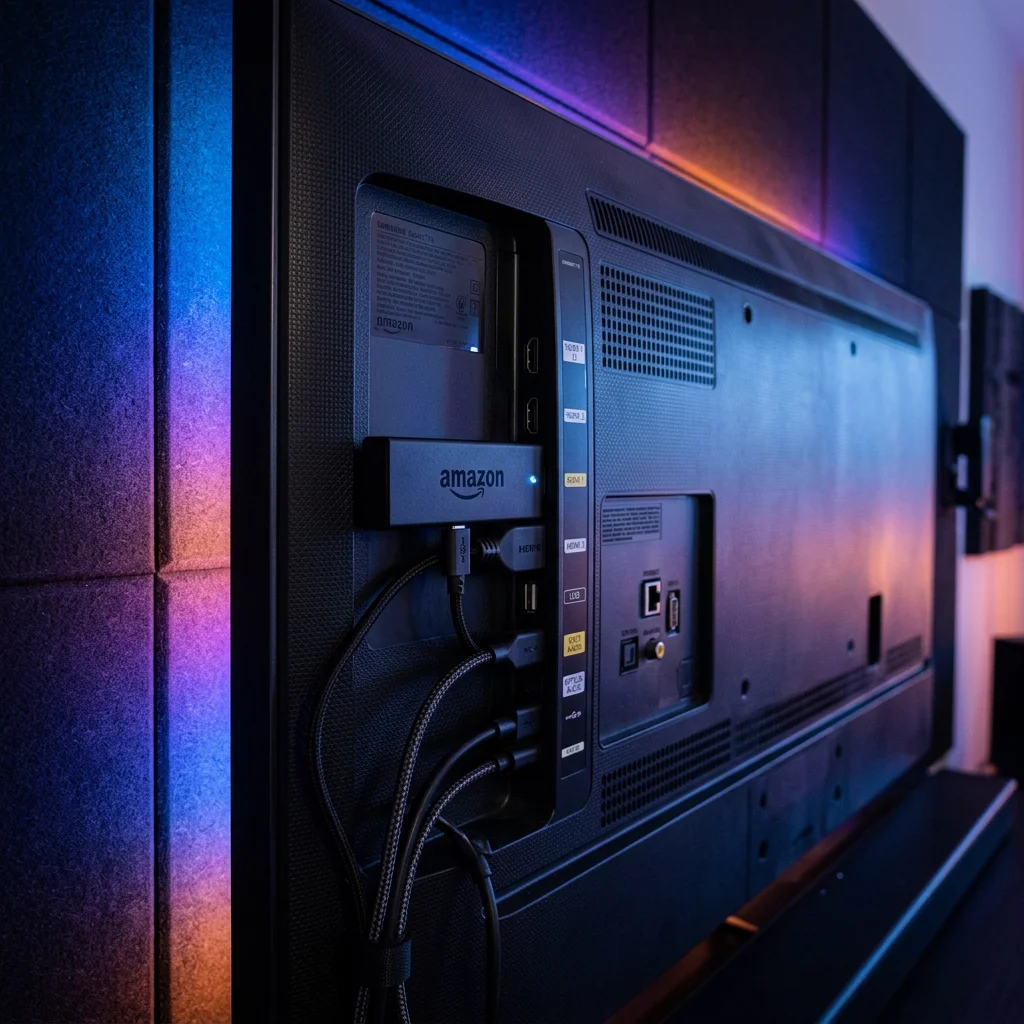
Top Streaming Players for Amazon Firestick: Optimization Guide
Published: June 1, 2026 · 10 min read
Optimize Your Fire TV Stick
The Amazon Fire TV Stick is one of the most popular, cost-effective streaming devices available. While it is compact and easy to use, its limited RAM and hardware processor can struggle during heavy 4K streaming. To avoid sluggish menus, constant buffering, and app crashes, you need to optimize your Firestick settings and install lightweight, high-performance media players.
IPTV Ultra acts as your digital portal sync manager, enabling you to load your authorized playlists and channels securely into any optimized Firestick player engine.
How to Side-Load Players Using Downloader
Many premium streaming players (like TiviMate or custom VLC builds) are not available directly on the Amazon App Store. To install them, follow these quick side-loading steps:
- Go to **Settings** > **My Fire TV** > **Developer Options** and enable **Apps from Unknown Sources**. (On newer tvOS versions, tap the "About" button 7 times to reveal the Developer menu).
- Install the official **Downloader** app from the Amazon Store.
- Enter the direct download URL of the player APK and click install.
Frequently Asked Questions (FAQ)
Q: Which media player runs best on older Firesticks?
A: For older Firestick models, ibo Player or XCIPTV are highly recommended because they utilize lightweight visual components that load massive playlists quickly without consuming excess RAM.
Q: How do I stop my Firestick from lagging during live streams?
A: To boost performance, go to your Firestick Settings, locate the Applications menu, choose your player, and select **Clear Cache**. Additionally, turning off "Collect App Usage Data" in privacy settings frees up CPU cycles.
Build the Ultimate Firestick Setup
Transform your Amazon Firestick into a global entertainment center. Subscribe to IPTV Ultra today and load your credentials into any player for perfect 4K streaming.
Get Your Firestick Setup Now