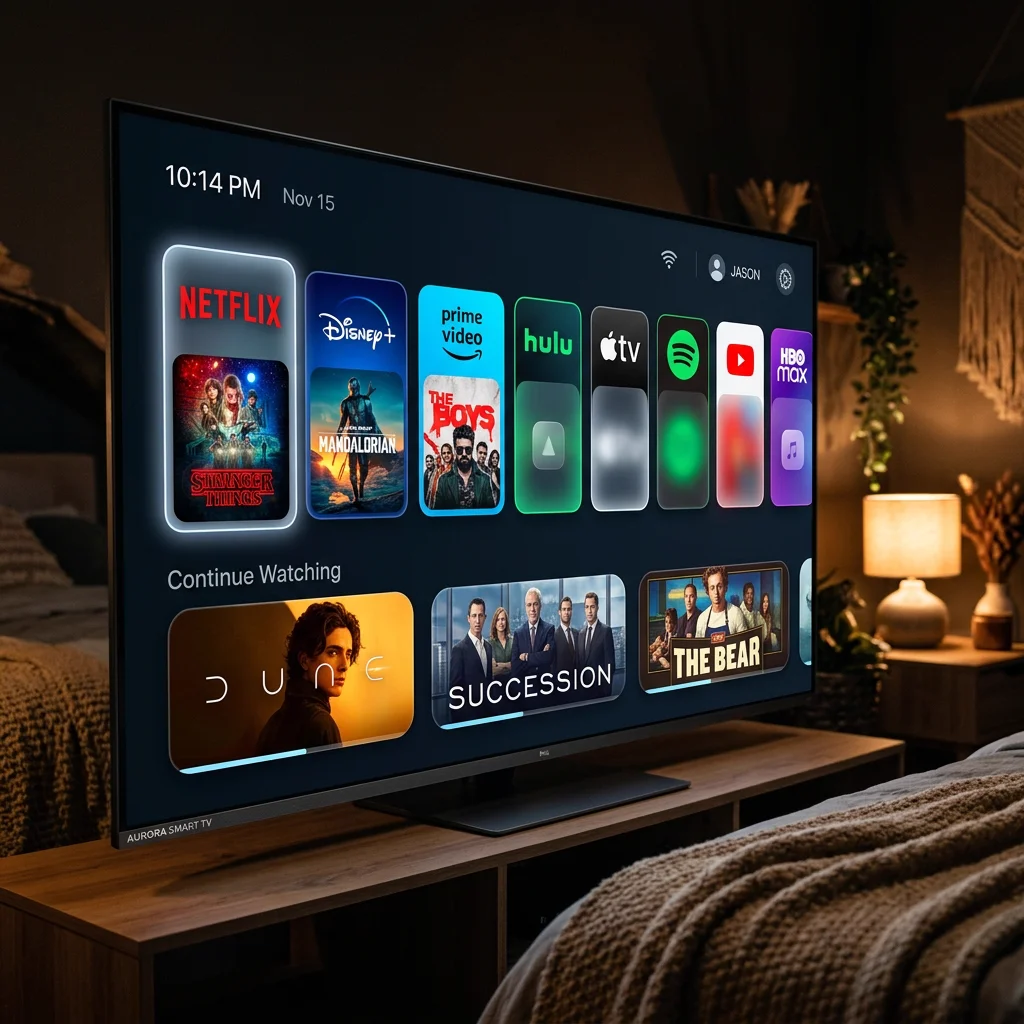
Top 5 Streaming Apps & Media Players for Smart TV in 2026: Expert Review
Published: June 1, 2026 · 10 min read
Unlock the Full Potential of Your Smart TV
Modern Smart TVs are absolute marvels of display technology. With OLED panels, local dimming, and stunning HDR engines, they are capable of delivering gorgeous cinematic pictures right into your living room. However, the hardware is only as good as the software driving it. To stream live TV channels, high-definition sports, and massive on-demand movie libraries, you need a high-performance media player application. IPTV Ultra acts as your digital portal synchronization platform, allowing you to load your authorized credentials into these applications seamlessly.
There are hundreds of media applications available on TV app stores, but many suffer from sluggish navigations, poor playlist loading, or constant audio-video sync errors. To help you build the ultimate home cinema setup, we have compiled and reviewed the top 5 streaming players of 2026 based on performance, interface fluidity, and advanced Electronic Program Guide (EPG) compatibility.
Comparative Feature Matrix of Top Smart TV Players
| Media Player Name | Visual Layout Style | Zapping Speed | EPG Support | Multi-Screen |
|---|---|---|---|---|
| Smarters Pro | Netflix Grid | Very Fast | Yes (Auto-Sync) | Yes (2-4 Screens) |
| TiviMate | Satellite TV Grid | Instant (100ms) | Yes (Advanced Grid) | Yes (Up to 9 Screens) |
| ibo Player | Minimalist Dashboard | Fast | Basic | No |
| XCIPTV | Interactive Cards | Good | Yes | Yes |
1. Smarters Pro Player
Smarters Pro remains the undisputed king of multi-device streaming applications. Available on almost every operating system—including Samsung Tizen, LG WebOS, Android TV, iOS, and Android—Smarters Pro provides an incredibly polished, Netflix-style interface. It organizes live channels, movies, and TV series into clean, separate tabs, allowing family members to browse content with ease. It supports subtitles, multi-audio tracks, parent locks, and is extremely stable during high-bandwidth 4K sports broadcasts.
2. TiviMate Companion
If you own an Android TV or an Amazon Fire TV Stick, TiviMate is the absolute gold standard. Designed specifically for TV screens and remote controls, TiviMate offers an interface that mimics premium satellite receivers. Its most powerful feature is the advanced EPG grid, allowing you to browse schedules across thousands of channels in real-time. It supports multi-screen mode (watching up to four games simultaneously) and has exceptionally fast channel-zapping speeds.
3. ibo Player (Premium)
For LG and Samsung TV owners who want a lightweight, lightning-fast application, ibo Player is a fantastic premium choice. ibo Player features a minimalist, modern dashboard that loads massive content libraries containing over 100,000 titles in just a couple of seconds. It avoids all bloated background scripts, focusing solely on video rendering efficiency, making it the perfect application for preventing lag and buffering on older Smart TV processors.
Frequently Asked Questions (FAQ)
Q: How do I load my playlist into my Smart TV media player?
A: When you subscribe to IPTV Ultra, we provide you with your digital configuration details, including M3U playlist URLs and Xtream API credentials. You simply enter these parameters into the app's setup page.
Q: Is there a fee for these Smart TV players?
A: Apps like Smarters Pro and XCIPTV are free to use. Premium tools like TiviMate or ibo Player have small one-time activation fees to unlock advanced features like multi-screen mode and custom EPG layouts.
Transform Your TV Into a Media Powerhouse
Unlock premium entertainment by syncing your IPTV Ultra portal with any of these high-performance players. High-speed zapping, premium EPG schedules, and smooth 4K video feeds are just a few clicks away.
Activate Your Premium Subscription Now